Get it at over 60% OFF — price increases in
Introducing The Complete Event Design System For Event Professionals
Show Clients Their Event
Before It Exists
Create realistic event concepts, impress clients with professional presentations, and align suppliers and teams before event day.


Complete Event Design System
• 3,000+ Elements
• iPad, Android & Desktop Compatible
• Available in English & Italian
• Lifetime Access

Every event starts with an idea.
But showing it clearly is the hard part.
Picture this.

A couple hires you.
They exchange Pinterest boards, a few inspiration images, and a color palette.
Everything seems perfect.
Yet weeks later, they still ask:
“Do they truly understand our vision?”
Inspiration isn’t just a thought.
Scattered references don’t create a vision.
They want to visualize the event — before it happens.

That’s where exceptional event designers excel.

They don’t merely describe ideas.
They make them visible.
Ceremony. Tablescape. Floral design. Layout. Atmosphere.
Clients stop speculating — and start affirming:
“Yes. This is precisely what we envisioned.”
Your ideas shouldn’t require explanation.
They should be visible.
Transform inspiration into a visual concept in minutes.
Ideal for: Wedding planners, event designers, stylists, decorators, and creative studios.
EVENT DESIGN CONCEPT KIT
Design professional event concepts — in minutes, not hours.
No complex tools. No starting from scratch.
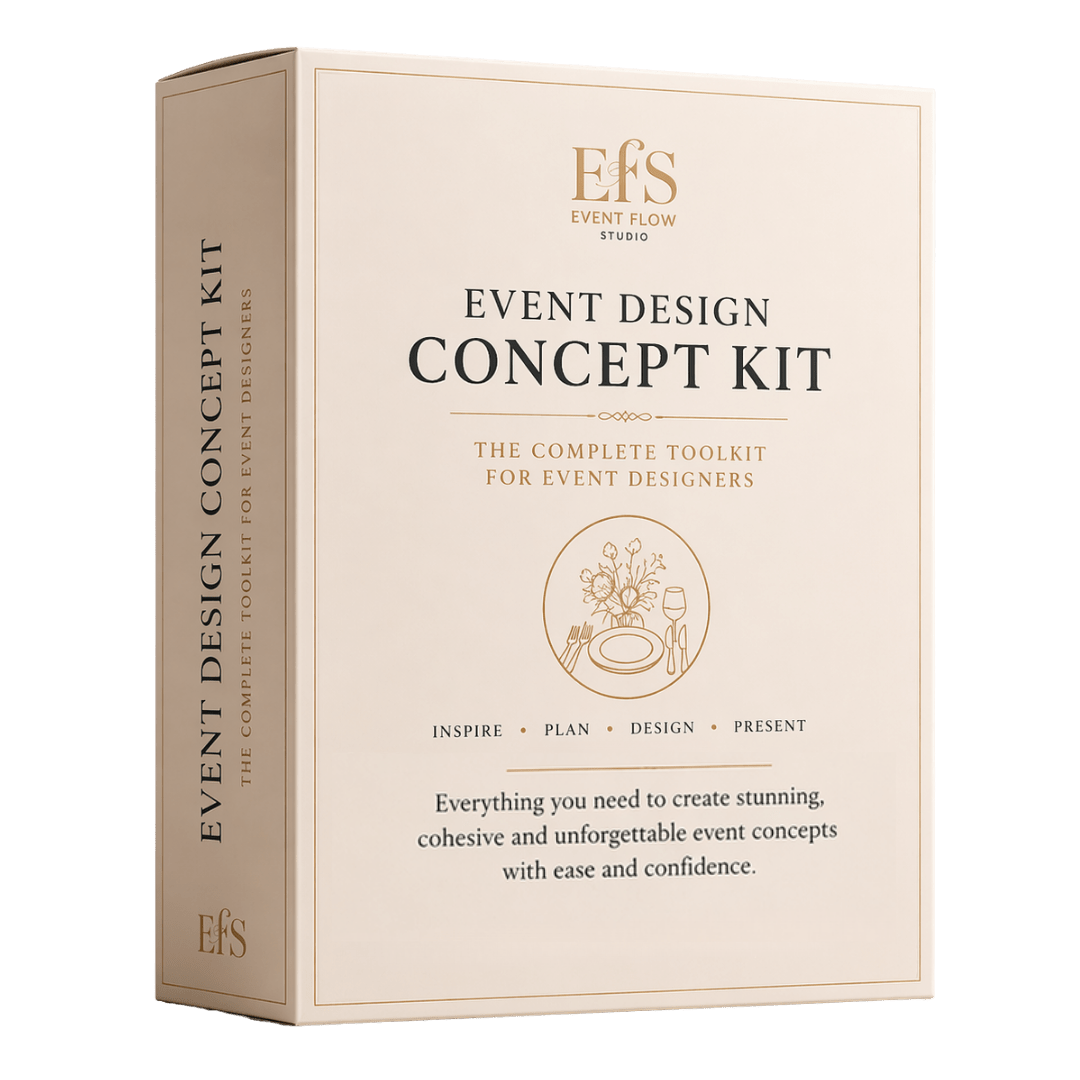

What You'll Get:
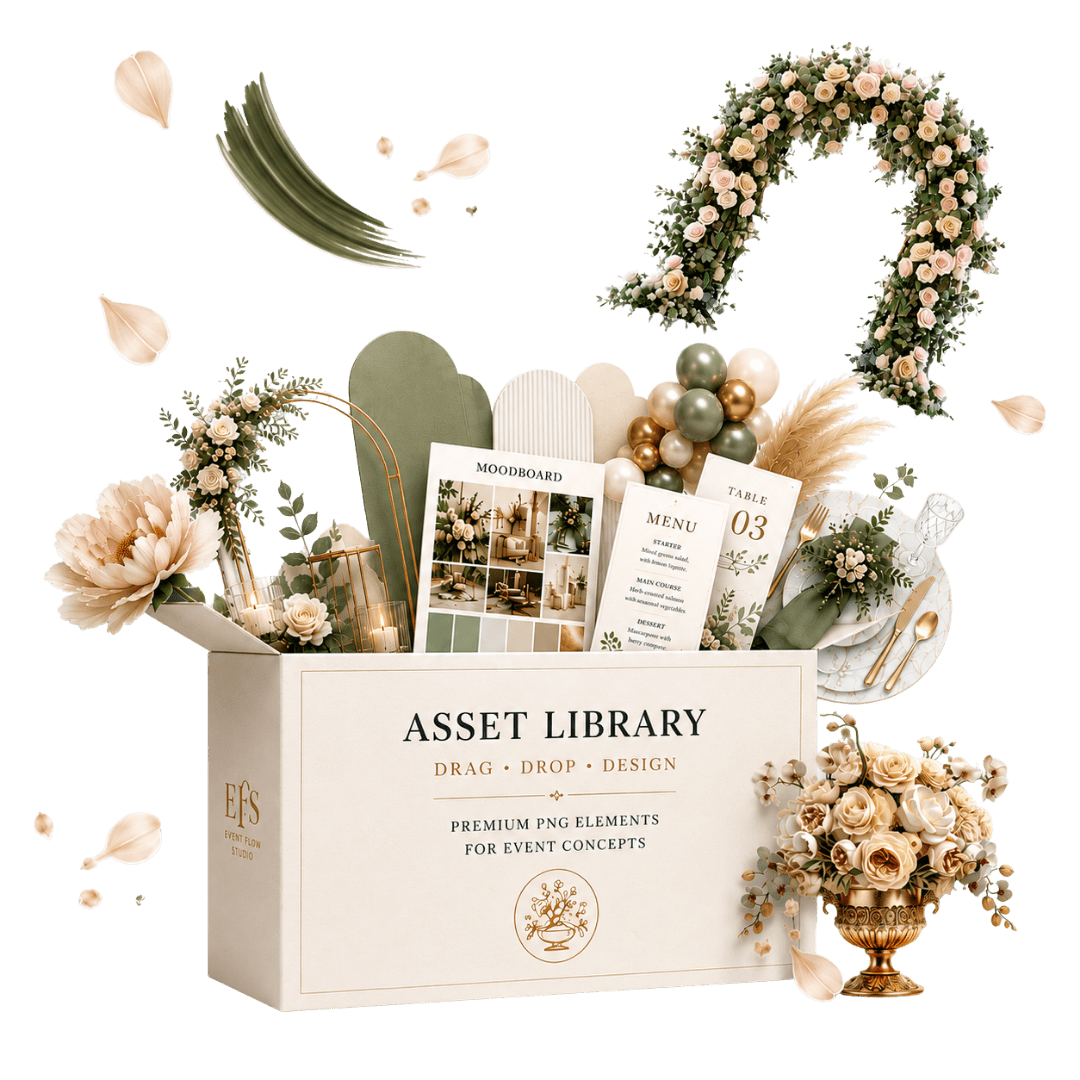
- ✓ 1330+ Event Design Assets
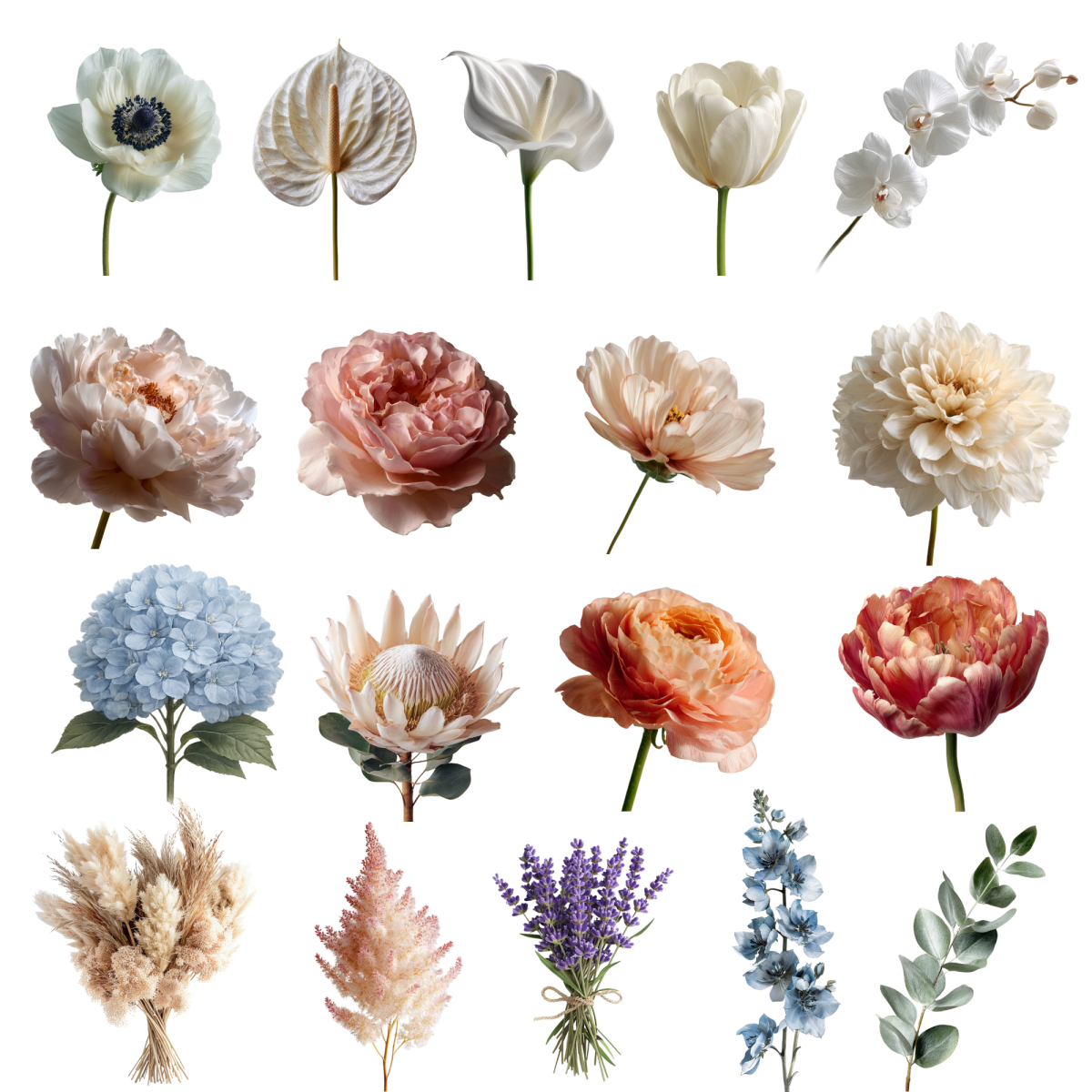
Furniture, decor, arches, backdrops and styling elements. - ✓ 382+ Florals
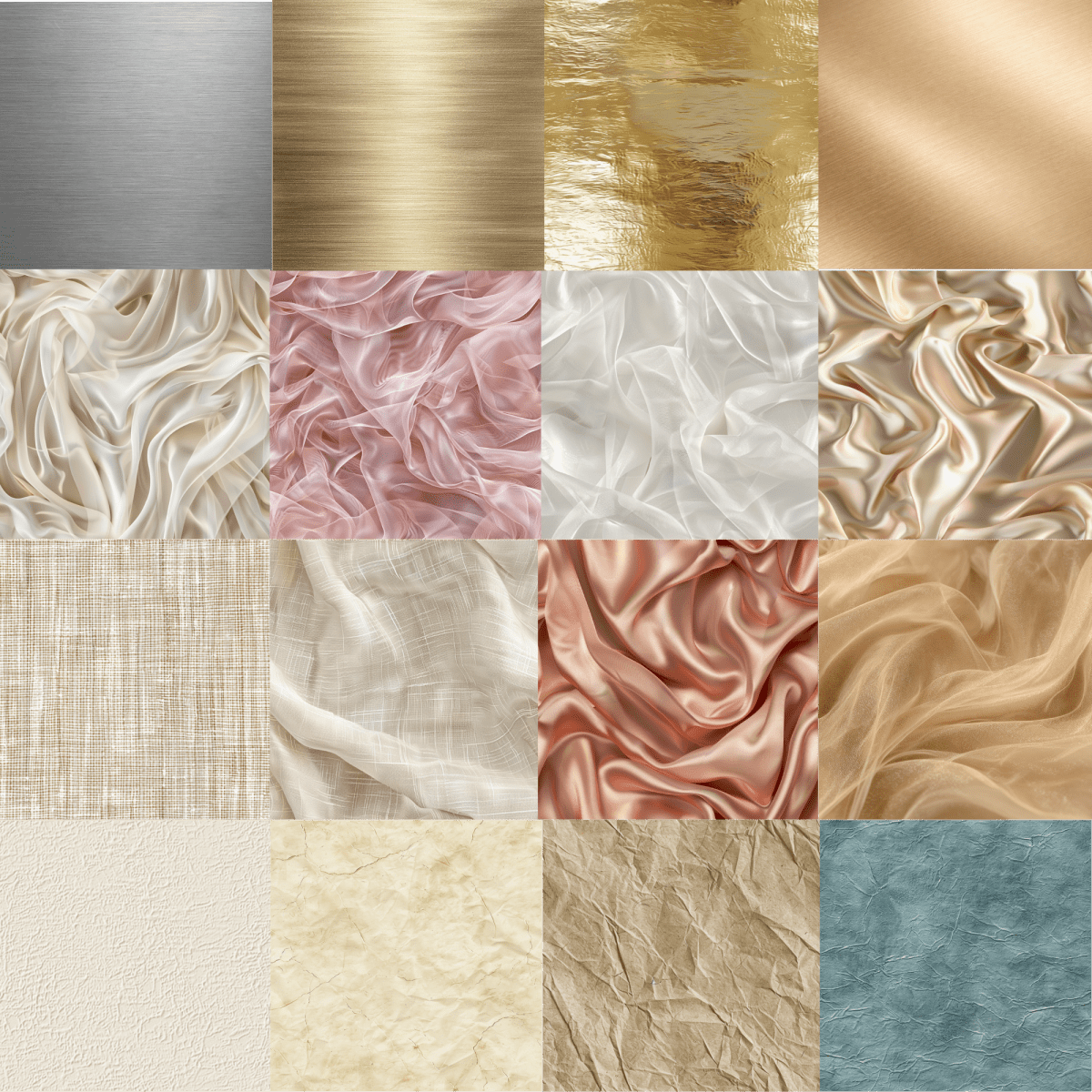
Flowers, arrangements and greenery. - ✓ 638+ Textures & Materials
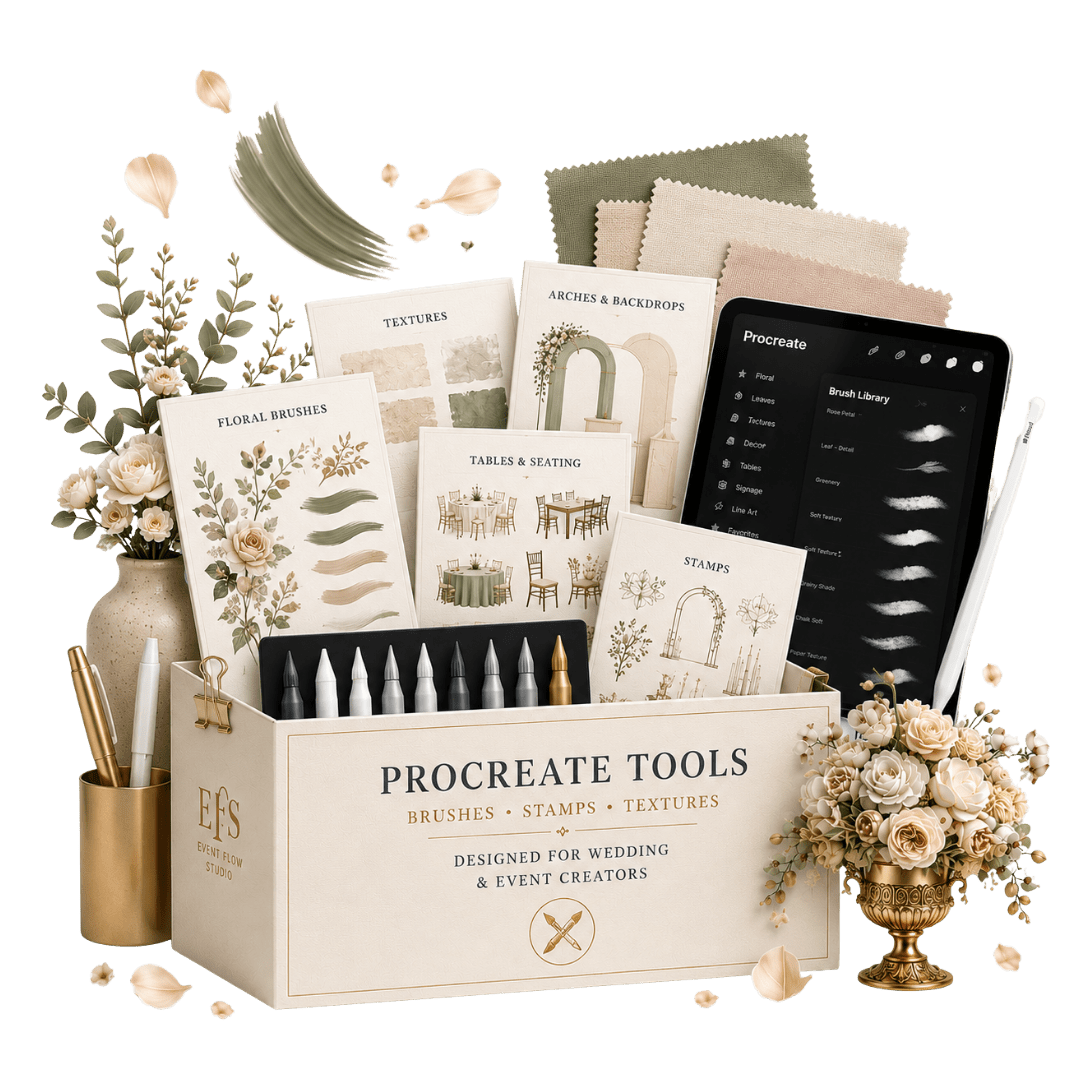
Premium textures and realistic material finishes. - ✓ 720+ Procreate Design Tools
Brushes, stamps and design tools for event design. - ✓ Plus 6+ Professional Bonuses Included
- ✓ Available in English & Italian — every file, template and folder
Designed to help you create, present, and execute event concepts more efficiently.
- 🟤 Commercial Use Included
- 🟤 Lifetime Access
- 🟤 Free Updates
- 🟤 One-Time Payment
Limited Time — Over 60% OFF

Instant download • No subscription
Trusted by 2,700+ event planners & designers
From the first client idea to supplier coordination, this system helps event professionals create, present, and communicate with confidence.
★ ★ ★ ★ ★
“I went from spending hours building concepts to creating them in minutes.”
Sarah M.
Wedding Planner, NYC
★ ★ ★ ★ ★
"Clients stopped asking for endless revisions because they could finally visualize the event before it existed."
James C.
Event Stylist, LA
★ ★ ★ ★ ★
"The Vendor Communication Pack helped me explain my vision clearly to florists and rental companies without endless emails."
Emma R.
Wedding Planner, IT
★ ★ ★ ★ ★
“The photoreal elements make a huge difference. My proposals feel clearer, more premium, and much easier for clients to say yes to.”
Emily T.
Balloon Artist & Decorator, CA
Created using the kit
Real concepts. Built with the kit. Drag & drop.

Wedding Ceremony Design

Luxury Gala Event

Wedding Styling Design

Themed Celebration Design

Balloon Styling Scene

Outdoor Ceremony Concept
See how it works — from blank canvas to client-ready concept
Not Just another asset bundle
Built for real event design - not generic graphics

This isn't about having more assets. It's about turning ideas into client-approved event concepts — faster and with more confidence.
What's Included
Design a complete event setup
Photorealistic elements — designed to look like real event setups, not illustrations or clipart.
Design Assets Library
What normally takes 4–6 hours of Canva and Pinterest — done in under 20 minutes.
Drag, place, export.
No more starting from scratch for every client.

What’s Inside:
- Floral, Arches & Backdrops
- Tables, Seating & Styling
- Stationery & Event Details
- Decor, Lighting & Atmosphere
- Cake, Dessert & People Scenes
Create any event concept:
Weddings • Luxury Events • Baby Showers • Balloon Setups • Styled Concepts • Corporate Events
Procreate Tools
Design your event concepts faster and more precisely — directly in Procreate.
Use ready-made elements to sketch, compose and refine your layouts with speed and control — without building everything from scratch.

What’s Inside:
- Floral elements for complete styling
- Arches & backdrops for ceremony design
- Stationery Elements
- Tables & seating layouts ready to use
- Event Decor & Displays
CONCEPT BOARDS
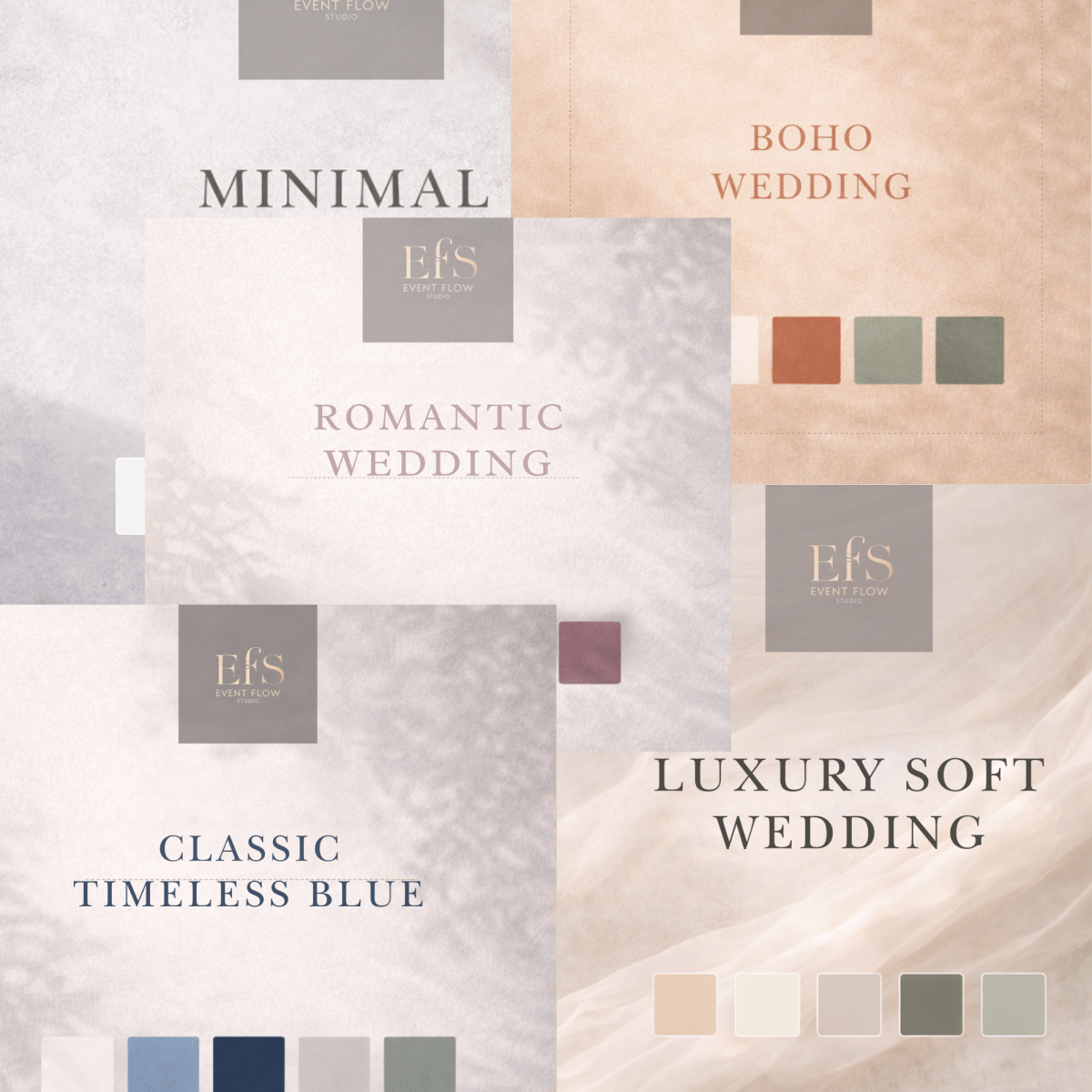
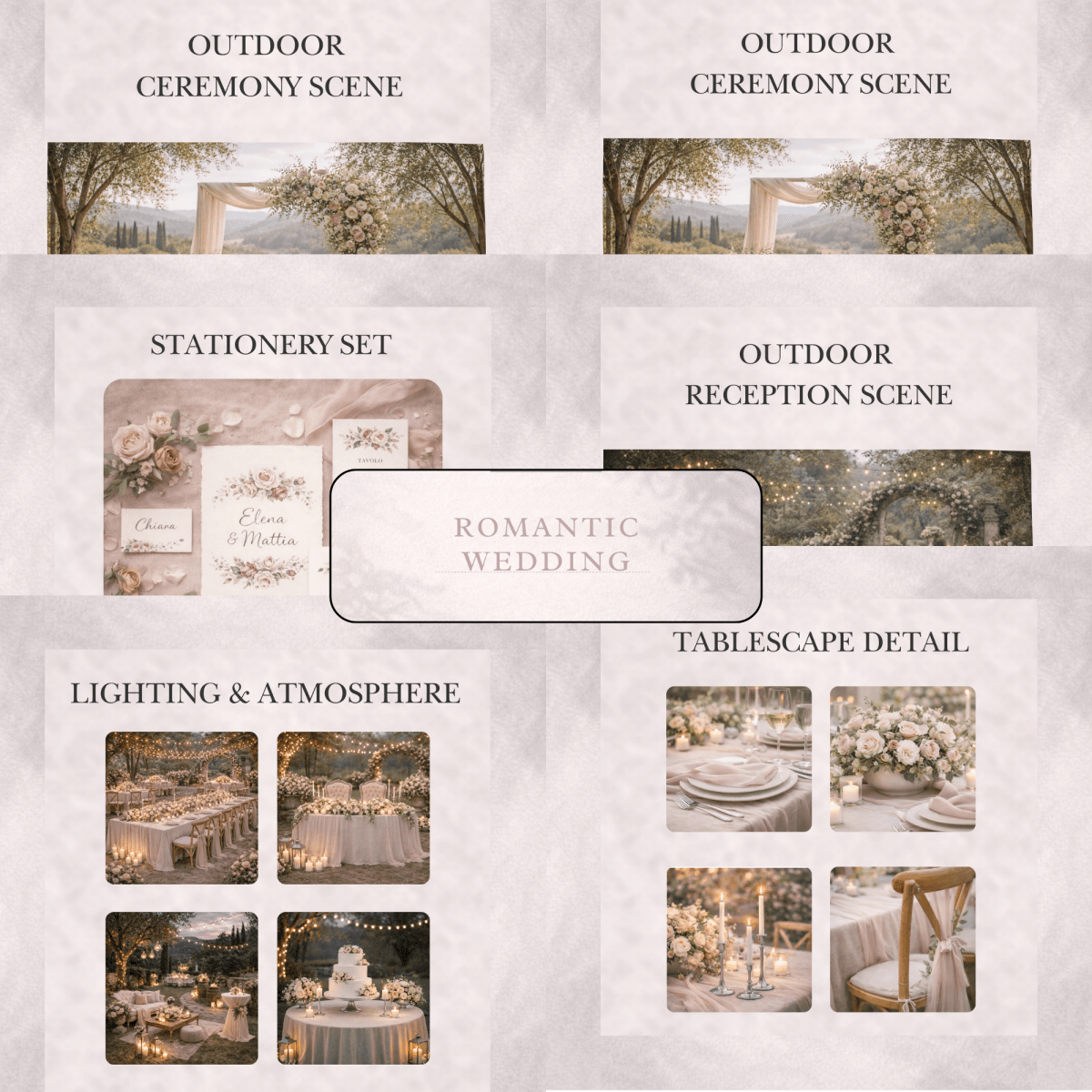
Explore 5 fully designed event concepts and instantly
understand how to bring a
vision to life.

Each board reveals a complete
visual direction - showing how every element comes together
into a cohesive, high-end
concept.
FLORAL LIBRARY
Build your floral vision with a
wide variety of realistic flowers and greenery.

Mix and combine different elements to create custom composition and define the
unique style of your event
TEXTURES & MATERIALS
Add depth, realism and material consistency to your event concepts.

Use curated surfaces and
fabrics to enhance your layouts and create more refined,
visually rich compositions.
Included bonuses to elevate your workflow
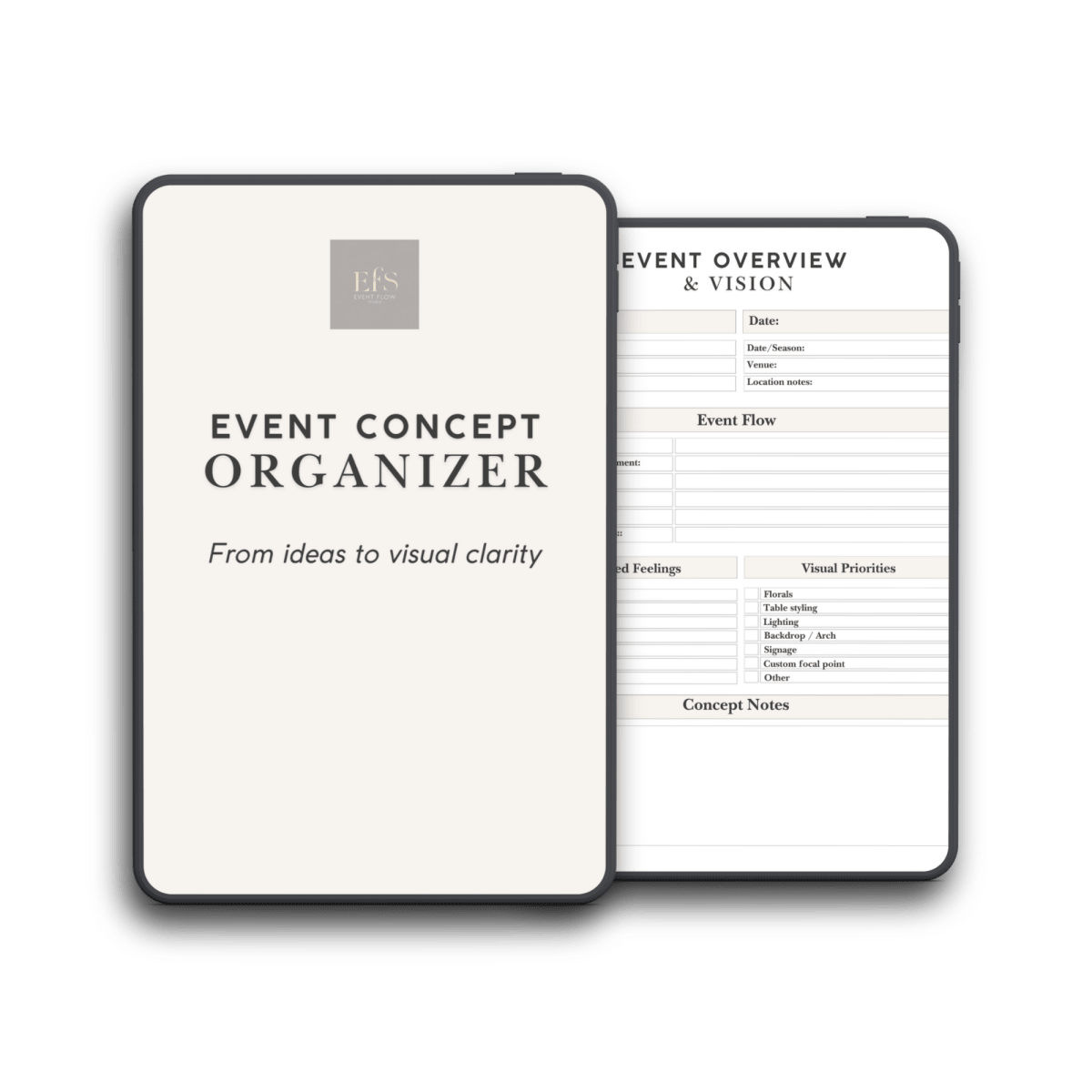
Event Concept Organizer
Plan your event idea before you start designing.

A structured tool that helps you define style, colors, layout and key elements — so you can turn a vague idea into a clear, cohesive concept before moving into the visual phase.
Editable and printable versions included, so you can use it digitally or on paper depending on your workflow.
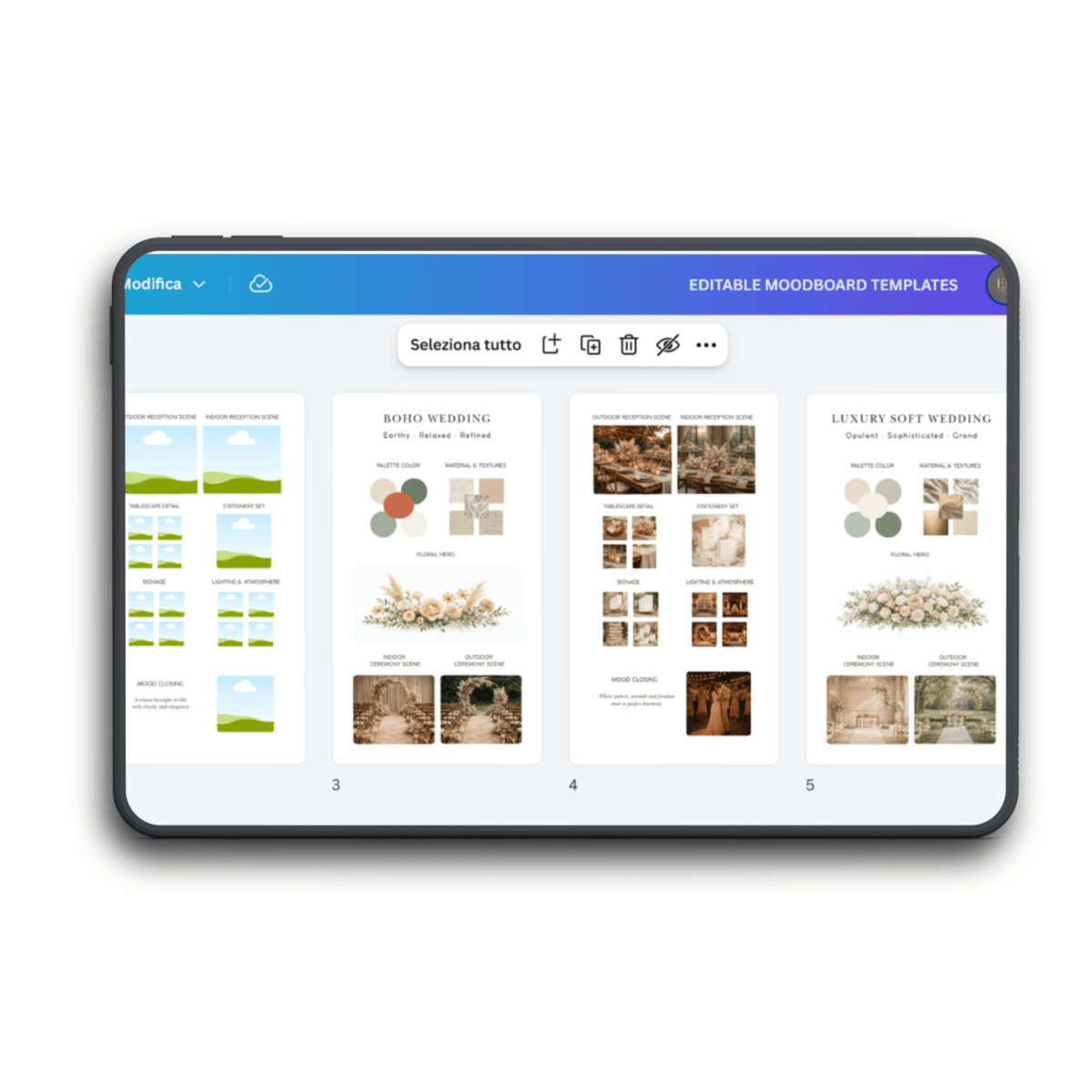
Moodboard Template
Create clean, professional concept boards for any type of event.

A versatile, editable layout that adapts to weddings, balloon art, baby parties and luxury events.
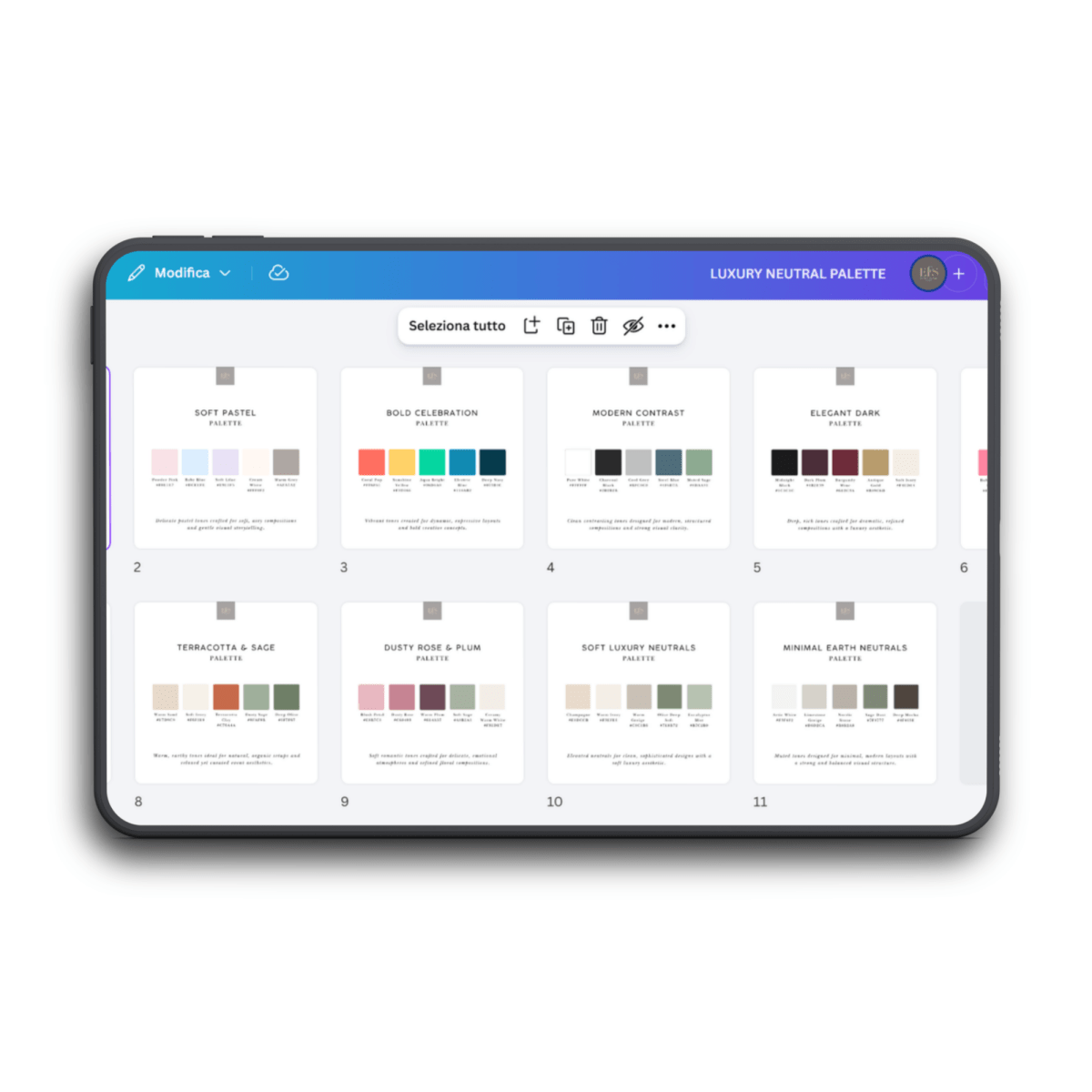
Color Palette Collection
A curated selection of event-ready color palettes to build cohesive, elegant concepts across different styles.

Font Collection
A curated selection of elegant, event-ready fonts designed to create a refined and consistent visual identity across your moodboards, signage and presentations.

Workflow & Usage Guides
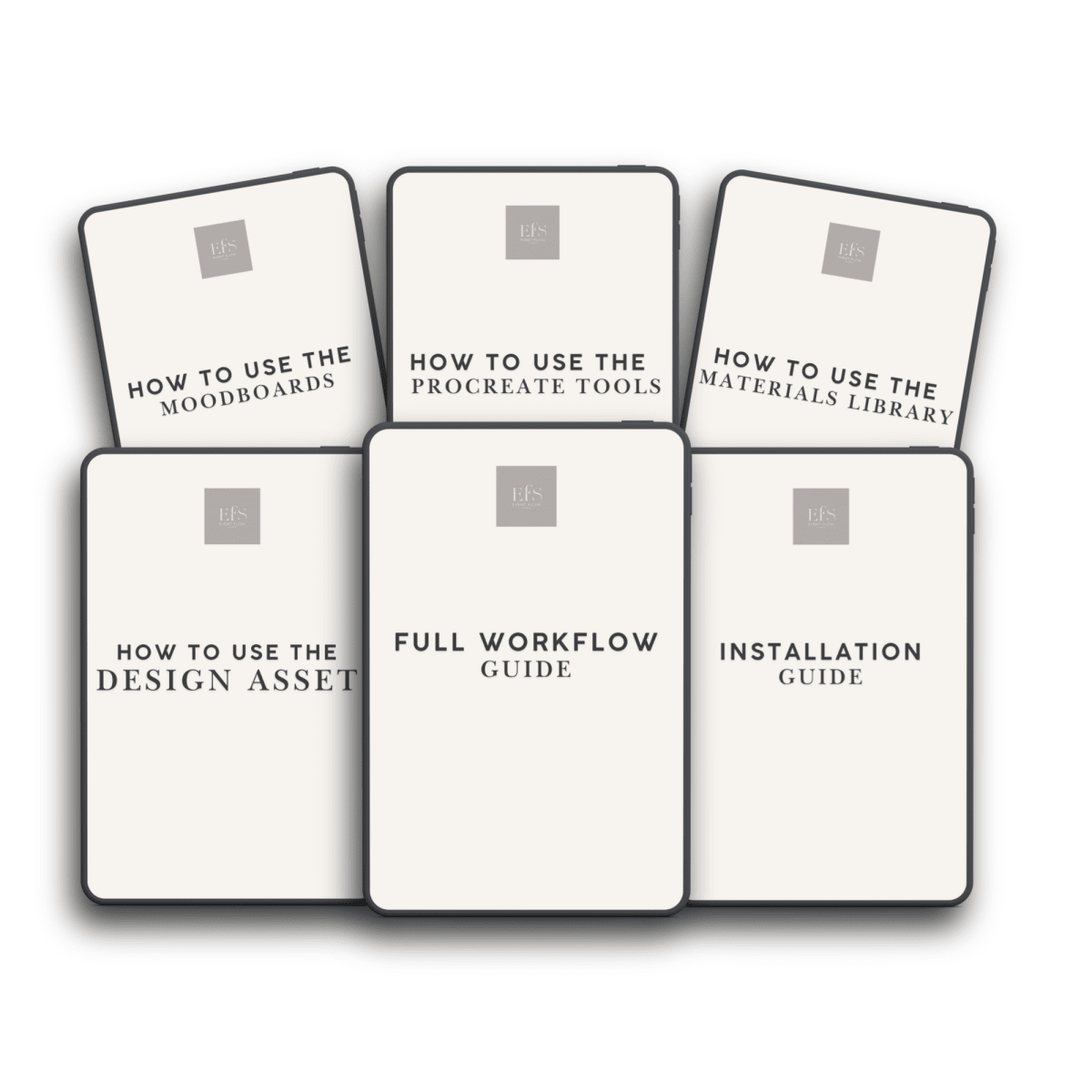
Clear guides that show you how the folders are structured, how to use each type of element, and how to follow a fast, logical workflow from concept to presentation.

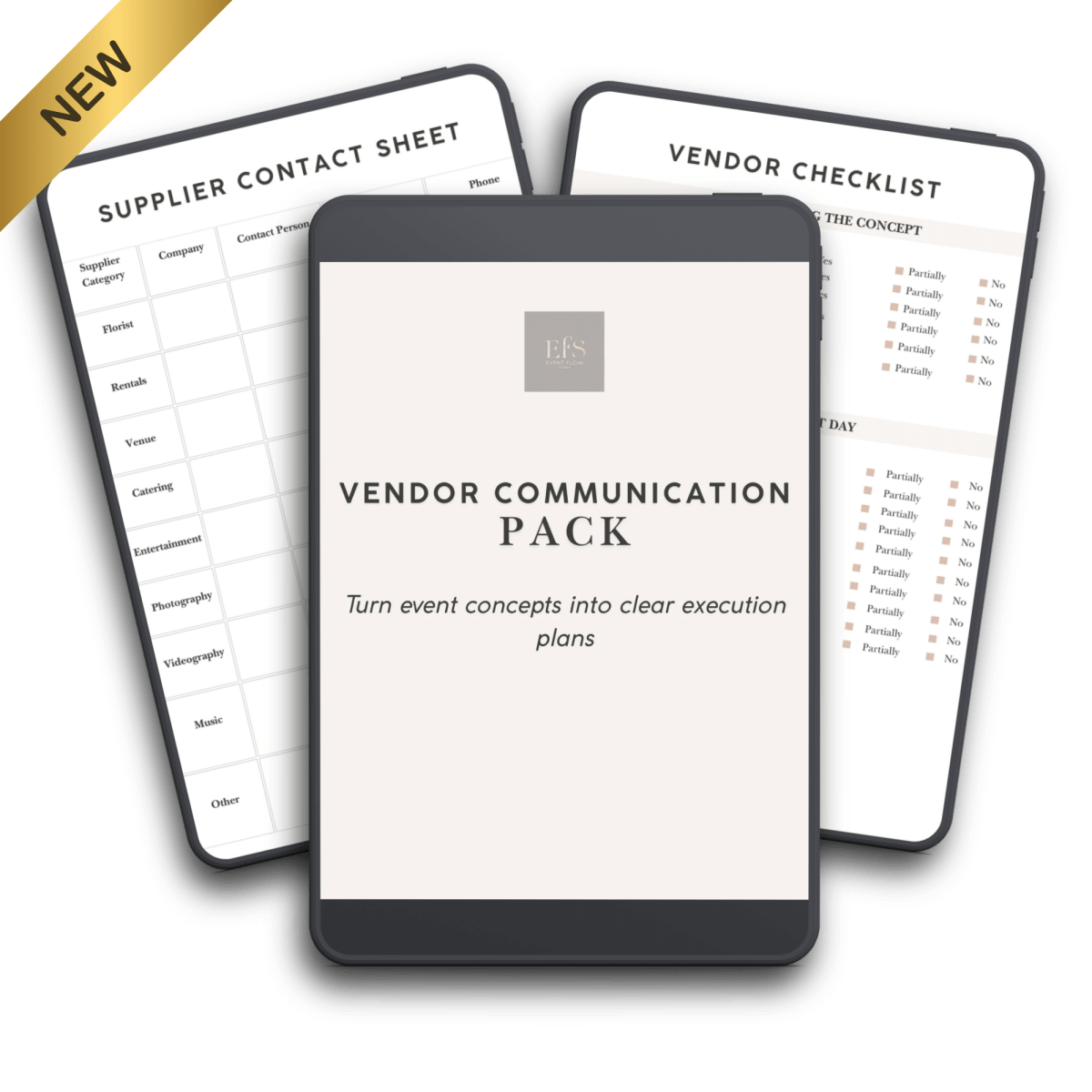
VENDOR COMMUNICATION PACK

Help florists, rental companies and vendors understand your vision before event day.
Includes professional briefing templates, vendor checklists and communication sheets that help everyone understand the vision before event day.

What event planners are saying
FROM FIRST IDEA TO CLIENT-READY EVENT CONCEPTS — in minutes

Sara M., Wedding Planner
"What impressed me most was how closely the final event matched the concept presentation. Instead of trying to explain my vision, I could show it. My clients immediately understood the atmosphere, color palette, floral styling, and overall look long before the event day."

Emily H., Family Event Planner
"The concept presentation made everything so much easier. Instead of asking our clients to imagine the setup, we were able to show them exactly how the celebration would look. From the balloon installations and floral arrangements to the personalized details for Mark and Ludovine, the final event came to life almost exactly as planned. It gave everyone confidence in the design long before the event day, and the result felt seamless from concept to execution."

Noah B., Balloon Artist
"This kit made it so much easier to present my vision clearly. I created the teddy bear birthday concept in minutes, and the client immediately understood the colors, balloon structure, and overall setup. The final event looked incredibly close to the original concept."

Sophie M., Event Designer
“My moodboards always looked like random collages from Pinterest.Now they actually look like real event concepts.The 5 wedding styles are incredibly well thought out — every element works together perfectly.”

Laura G., Event Stylist
“For the first time, my clients can really ‘see’ the event before it exists.The coordinated moodboards make everything so clear — from florals to tables to backdrops.It changed the way I present my ideas.”

Anna K., DIY Bride
“I’m not a designer, but this made me feel like one.I just drag, drop, and everything looks elegant and intentional.The wedding moodboards give you a perfect starting point every time.”

Martina L., Event Planner
“This helped me stand out immediately.Instead of sending generic moodboards, I now present complete visual concepts.The style system alone is worth it.”

Chloe D., Event Designer
“I use Canva and Procreate daily, but I’ve never had assets that integrate this smoothly.From quick sketches to full event concepts, everything works together beautifully.It saves time and makes the final result look incredibly polished.”
How It Works in 3 Simple Steps
Plan Your Concept
Use the Event Concept Organizer to define your vision.
Build It Visually
Drag, drop and create realistic event concepts.
Present & Communicate
Share your vision with clients and suppliers clearly.
Works on your favorite apps
no technical setup needed
Mac & Windows
iPad & Tablet.
Canva, Procreate & more
Works on your favorite apps
Mac & Windows
Mac & Windows
Mac & Windows
EVENT DESIGN CONCEPT KIT
Design professional event concepts — in minutes, not hours.
No complex tools. No starting from scratch.
What You'll Get:
- ✓ 1330+ Event Design Assets
Furniture, decor, arches, backdrops and styling elements. - ✓ 382+ Florals
Flowers, arrangements and greenery. - ✓ 638+ Textures & Materials
Premium textures and realistic material finishes. - ✓ 720+ Procreate Design Tools
Brushes, stamps and design tools for event design. - ✓ Plus 6+ Professional Bonuses Included
- ✓ Available in English & Italian — every file, template and folder
Designed to help you create, present, and execute event concepts more efficiently.
- 🟤 Commercial Use Included
- 🟤 Lifetime Access
- 🟤 Free Updates
- 🟤 One-Time Payment
Limited Time — Over 60% OFF
Instant download • No subscription
This Website is not a part of Meta or Meta Platforms, Inc. Additionally, this site is NOT endorsed by Meta in any way. META is a trademark of Meta Platforms, Inc.